



Costume Keeper Features
Everything you need to manage your dance studio's costume inventory efficiently
Costume Catalog:
Streamline your day-to-day studio management
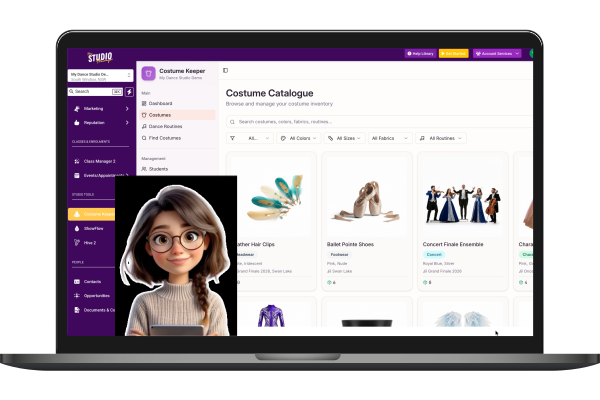
Costume Catalog
Comprehensive inventory of all your costume styles with detailed information.
Track name, category, colors, and fabrics
Set replacement values for insurance
Add notes and descriptions
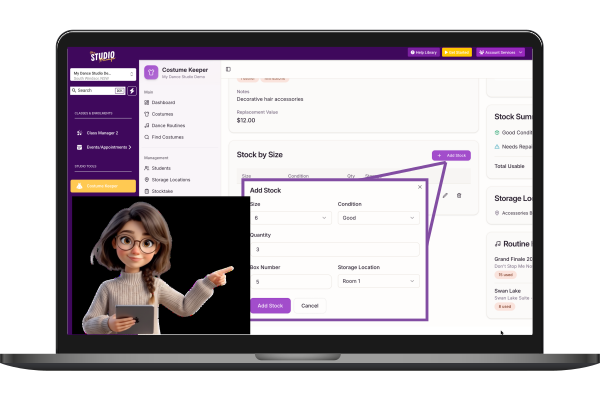
Stock Management
Track exact quantities by size, condition, and storage location.
Track by size (XS, S, M, L, XL, etc.)
Record condition (new, good, needs repair, retired)
Assign to storage locations
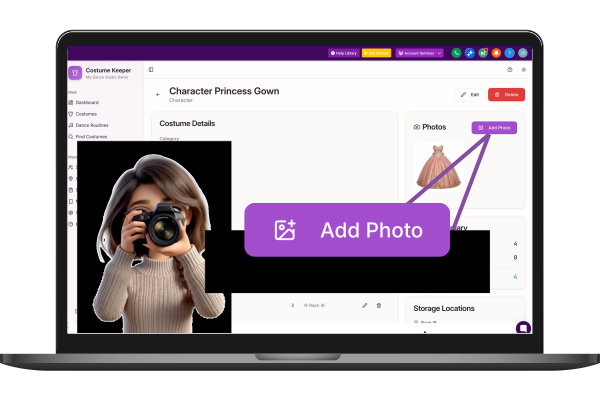
Photo Gallery
Upload multiple photos per costume for easy visual identification.
Upload from any device
Multiple photos per costume
Cloud-hosted for reliable access
View in full-screen gallery mode
Enrollment & Registration
Simplify how families join and register for classes
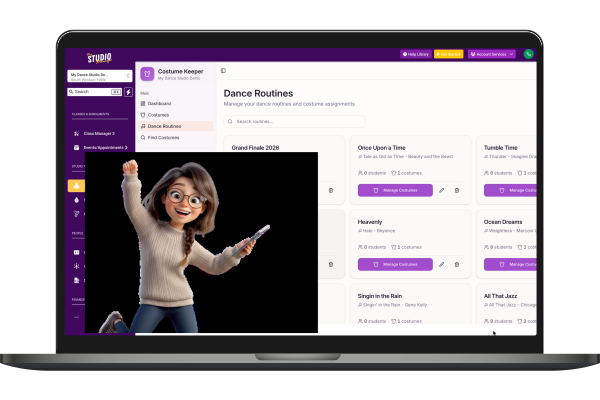
Dance Routines
Organize costumes by dance routine or performance.
Create routines with song names and teachers
Track student count per routine
Assign multiple costumes per routine
See total replacement value per routine
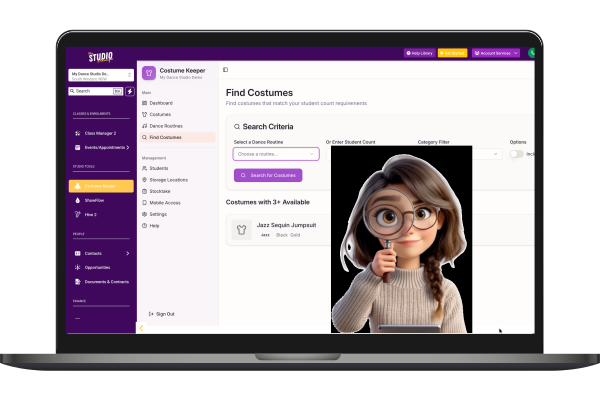
Find Costumes
Smart search to find costumes matching your quantity needs.
Enter number of dancers needed
See which costumes have enough stock
Filter by category and size
Portals & Access
Role-based access for everyone in your studio community
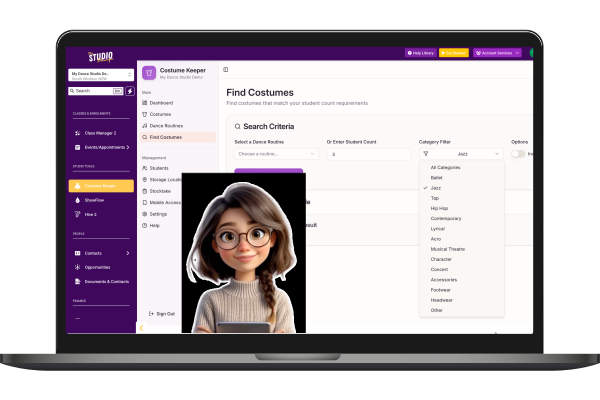
Advanced Filtering
Quickly find costumes with powerful search and filter options.
Search by name or description
Filter by category, color, size, fabric
Filter by assigned routine
Show/hide retired costumes
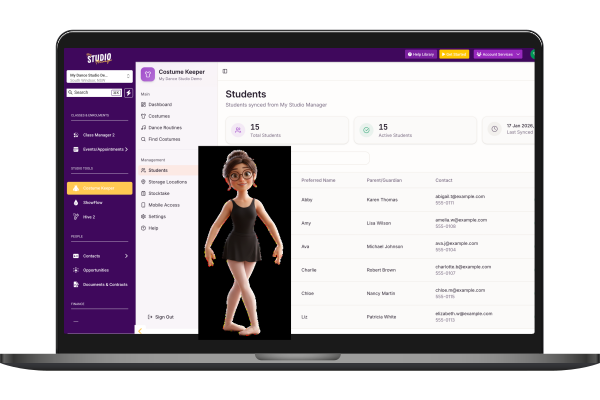
Student Records
View student data synced from your studio management system.
Sync from My Studio Manager CRM
Cross-app sync from sibling applications
View contact information
Billing & Payments
Flexible pricing and Australian-ready payment processing
Dual Payment Processors
Worldpay integration for AU/NZ studios with hosted payment page for secure card collection. Stripe support for international studios.
Worldpay HPP
Stripe Connect
Recurring payments
Discount System
Automatic multi-class and sibling discounts with tiered pricing. Choose percentage or fixed dollar amounts per child. 'Best Price Wins' or stacking modes with pricing preview.
Tiered sibling discounts
Per-child amounts
Pricing preview
Centralised Accounts
Manage all customer billing from a single Accounts page. View family billing sheets with detailed transaction history, outstanding balance tracking, and quick actions to add charges, credits, or record payments.
Family billing sheets
Outstanding balance tracking
Quick actions
Add charge/credit
Record payments
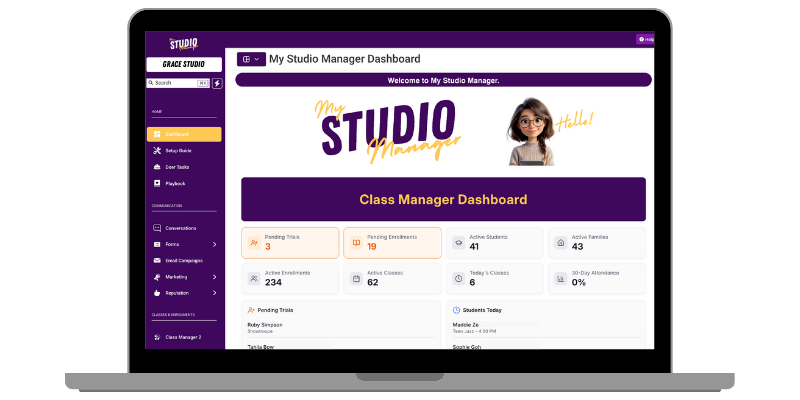
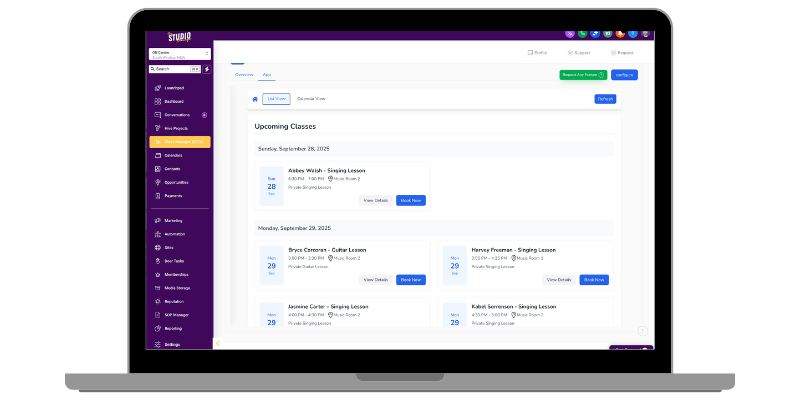
Streamline your studio operations with Class Manager. Manage classes, track attendance, process payments, and communicate with families — all in one place.
With Class Manager in My Studio Manager, everything is handled in one simple system — so you can focus on the dancing, not the paperwork.
📅 Manage your classes with ease
Forget the spreadsheets and paper rolls. Class Manager keeps your studio timetable organised and up to date, without the admin headaches.
✨ Why You’ll Love It:
✏️ Create and edit classes in seconds.
📊 View your whole schedule at a glance.
🕒 Manage seasons, holidays, and recurring classes.
👩🎓 Link classes directly to student and parent records.
Ready to Streamline Your Studio?
Join Australian dance, music, and performing arts studios already using
Class Manager to save time and grow their business.
✅ Mark rolls in seconds
Marking attendance doesn’t need to take up your teaching time. With Class Manager, rolls are quick and accurate, from any device.
📲 Mark attendance on your computer, tablet, or phone without having to log in to the system.
🔔 Track attendance and spot patterns early.
📉 Reduce drop-outs by following up on absences.
💬 Access student details directly from the roll. (Coming Soon)
📝 Enrolments & trials made simple
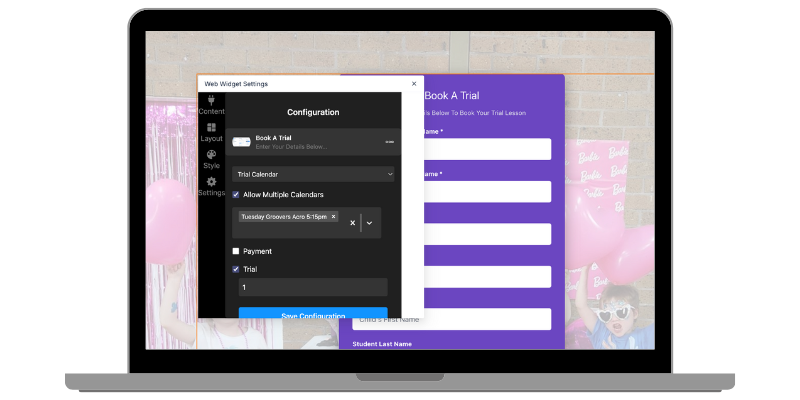
Families can enrol into classes — or book a trial — straight from your website. Everything flows directly into the system.
✨ Key Features:
🌐 Online enrolments sync instantly with your class calendars
🧾 Capture student and parent info directly via the online form.
✅ Restrict class enrolments by age (coming soon)
🙌 Parents can manage classes via the Parent Portal (coming soon)
🤖 Connect enrolments to automations and workflows.
💛 Why studio owners love it
Because it means you don’t need multiple systems anymore. My Studio Manager becomes your one-stop-shop — handling class management, enrolments, trials, rolls, communication, and more.
🙌 Save hours of admin time
💃 Make it easy for families to enrol and trial
🕹️ Keep every tool you need in one simple platform
💻 No more juggling different logins or paying for extra software
🔔 Class Manager is currently in Beta
Our Class Manager module is still in Beta, which means it’s actively being shaped by the feedback of studio owners just like you. We’re rolling out features, refining the experience, and building it step-by-step with your needs in mind.
Even once the module is out of Beta, we’ll never stop improving. My Studio Manager will continue to grow and adapt based on your feedback and requirements, so the system always works the way you need it to.
🚀 Ready to simplify your classes?
With Class Manager, you’ll always know who’s enrolled, who’s trialling, and who’s in the room.
💬 Book a Demo to see it in action or Sign Up For A 30 Day Trial and watch your leads turn into loyal clients!
Magic Features
Smart features for your studio lobby and reception
CRM Integration
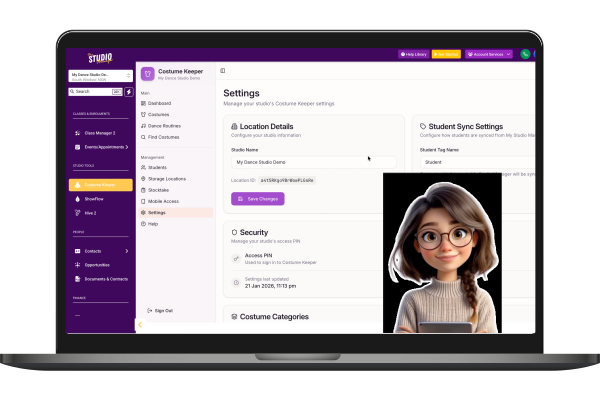
Seamless integration with My Studio Manager.
Auto-sync studio locations
Import student records by tag
Webhook support for real-time updates
Cross-App Connectivity
Share data with sibling applications in your studio ecosystem.
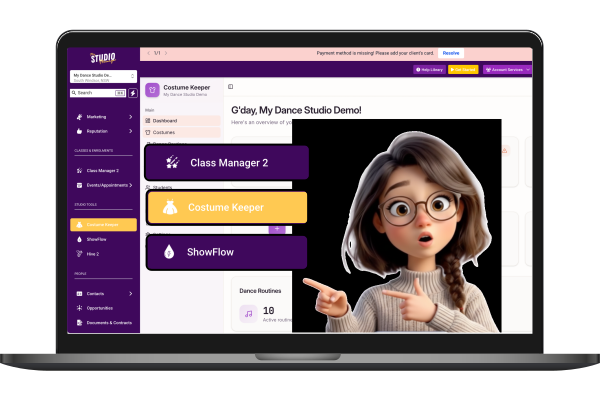
ShowFlow: Share costume data for shows
Class Manager: Sync student records
Secure API key authentication
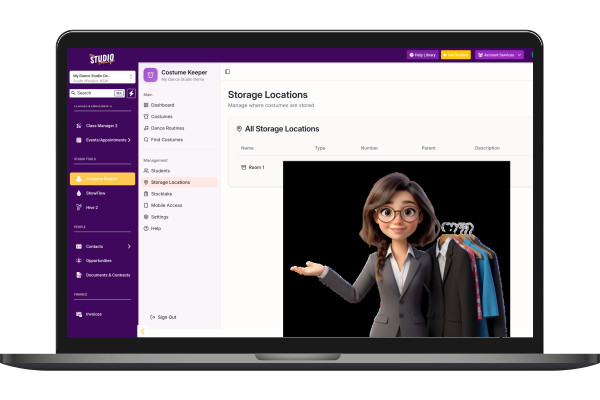
Storage Locations
Organize where costumes are physically stored.
Create hierarchical location structure
Scan labels for quick content viewing
Assign stock to specific locations
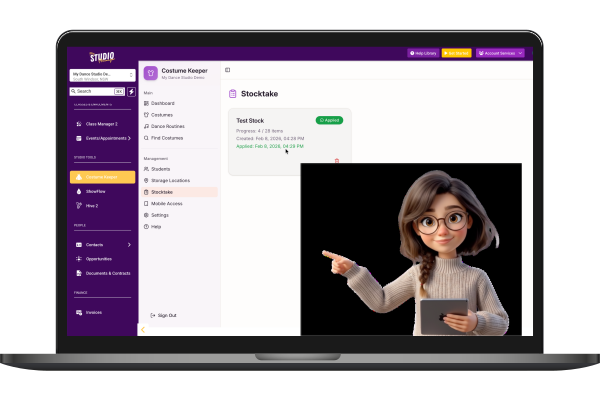
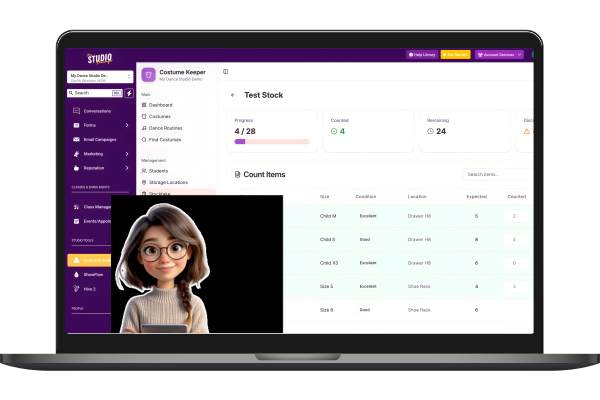
Stocktake
Comprehensive inventory counting with discrepancy tracking.
Count items with mobile interface
Create stocktake sessions
Apply adjustments when complete
Custom Categories
Create custom categories to organize your costumes your way.
Keep default categories or customize
Easy category management
Filter costumes by category
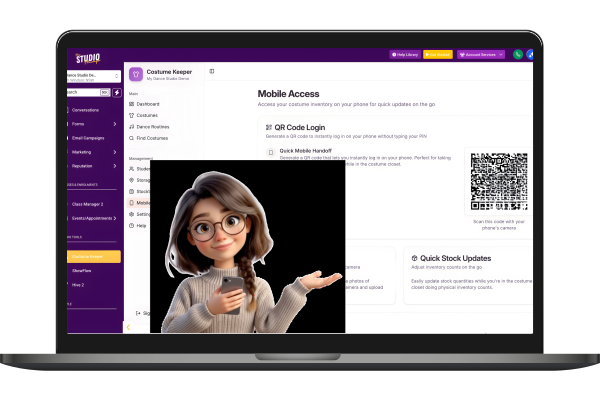
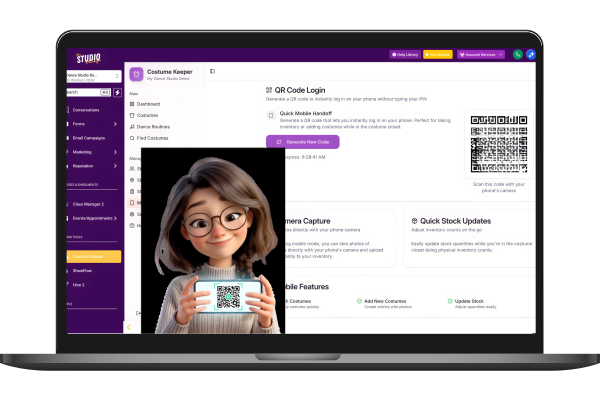
Mobile Access
Quick phone access via QR code for on-the-go inventory management.
Generate secure QR codes
One-time use for security
Add costumes using phone camera
QR Code Labels
Print QR codes for storage locations for quick scanning.
Generate printable labels
Scan to view location contents
Works with mobile access
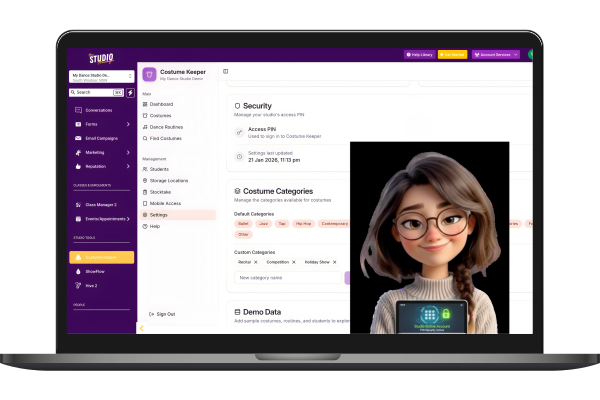
PIN Security
Secure access with location-specific PIN authentication.
4-8 digit PIN protection
Custom PIN hints for remembering
Admin can reset PINs if needed
Data Backup
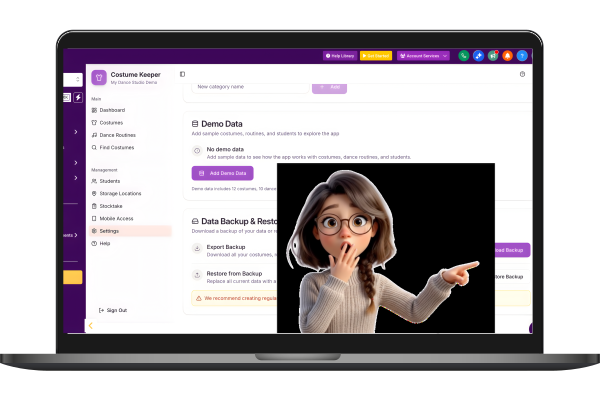
Export and restore your location data for peace of mind.
Export all costumes and stock
Include routines and assignments
JSON format for portability
Dashboard Analytics
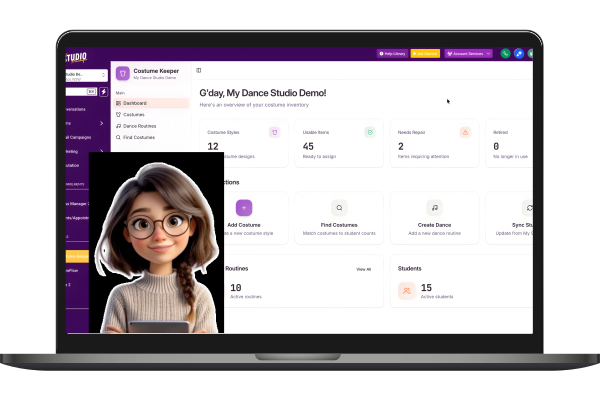
At-a-glance overview of your costume inventory health.
Total costume styles count
Usable vs needs repair counts
Retired items tracking


NAVIGATION
CUSTOMER CARE
LEGAL
FOLLOW US


Copyright 2026. My Studio Manager. All Rights Reserved.